


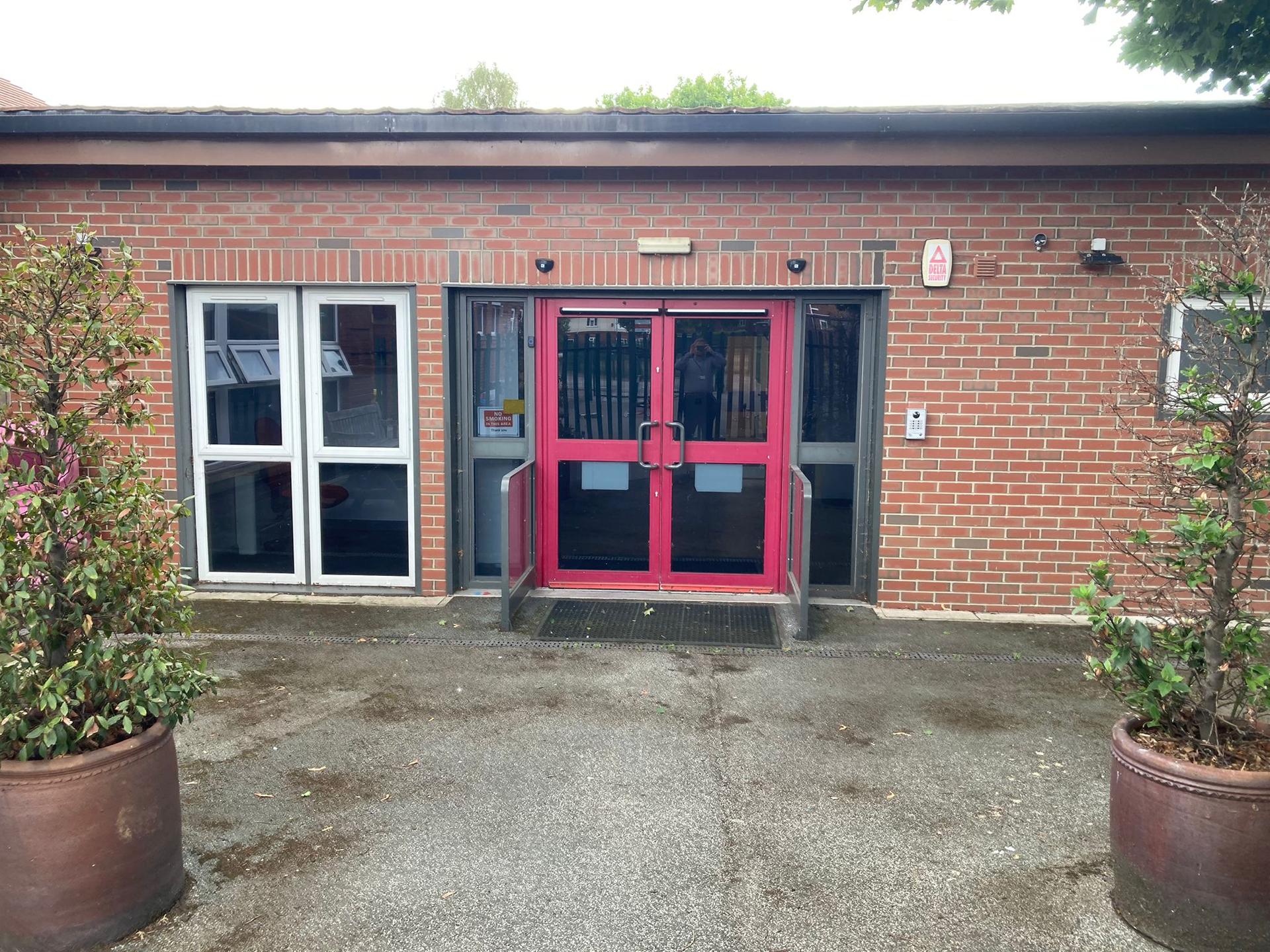





Welcome to our Online Safety Hub! At Pinderfields Hospital PRU, we believe that the internet is a fantastic place to learn, play, and stay in touch, but keeping our community safe is our priority. Because our students often face unique medical, emotional, or educational challenges, we know that their digital world can feel a bit more complicated.
We want to work right alongside you to make sure every child feels secure and supported, both in person and online.
Online safety isn't just a set of rules; it’s a shared journey for all our pupils, staff, parents, and carers.
Safeguarding is everyone's responsibility. Whether you are a pupil exploring new ideas, a teacher leading a lesson, or a parent/carer supporting at home, we are all working together to create a safe digital world.
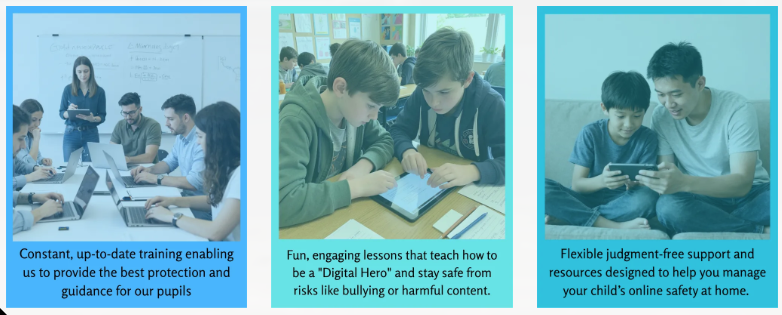
Our Online Safety Commitment
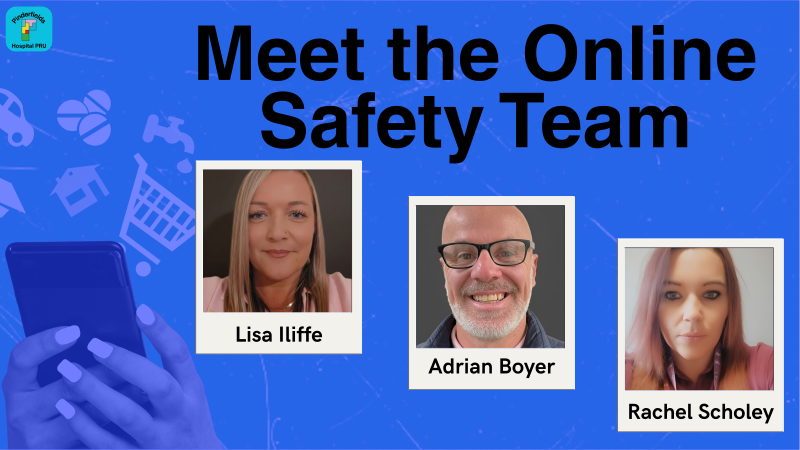
If you have any concerns or questions about staying safe online, please contact school and our Online Safety Lead, Lisa Iliffe, in the first instance, who will be more than happy to help you.
01924 541947 or li@pinderfieldshospitalpru.co.uk





Latest Online Safety News
Are They Ready for a Smartphone?
The Institute for Digital Media and Child Development have put together some tip sheets for parents which are really useful. There are 3 parts:
- Assessing readiness.
- Preparing for healthy use.
- What now?
Talking to Your Child About the Online World
|
"How do I start that conversation with my child?" Early and continuing conversations is important and should not be any different from any other normal conversation. |
Tips for securing Smart Devices for our Children

Here are a few simple things you can do to help keep children safe online.
1. If you are getting a child thier first phone for safety, consider getting them a mobile that has no access to the internet.
2. Ensure your children use their devices in shared spaces, not in bedrooms alone.
3. Turn off autoplay on apps such as Youtube, this will stop the platform simply rolling out other videos that could be innapropriate for your child.
4. Putting security measures in place through your wifi provider is great, but remeber when children leave the house and use public wifi, eg when in McDonalds or on a bus, there will be nothing in place.
5. Time limits on can be set on specific apps which will help to control good screentime. You can do this in a few ways but here are a few of the main ones.
6. Shared devices - If an adult has a device and let a child use it then they are instantly open to other, possibly innapropriate, content through things like autoplay and adverts.
Assessing Smartphone Readiness
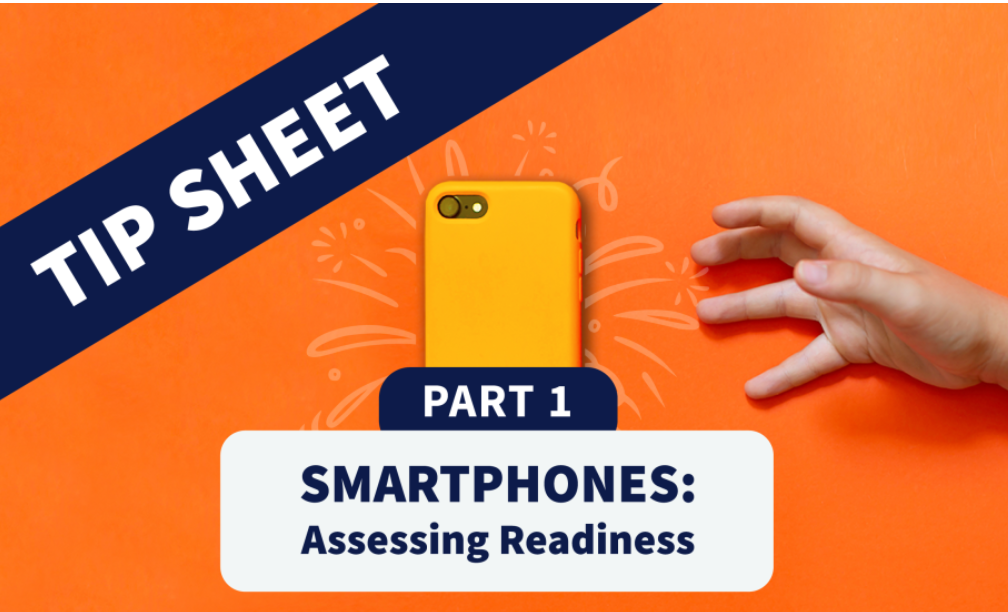
"Is my child old enough to have a phone?" It's a common, understandable question that many parents ask, and it is very difficult to answer as there are so many factors involved.
The Institute for Digital Media and Child Development have put together some tip sheets for parents which are really useful. There are 3 parts:
- Assessing readiness.
- Preparing for healthy use.
- What now?
How do I Start a Conversation with my Child?

Early and continuing conversations is important and should not be any different from any other normal conversation.
To help parents, Internet Matters have put together some conversation starters and tips to help which you can find HERE.
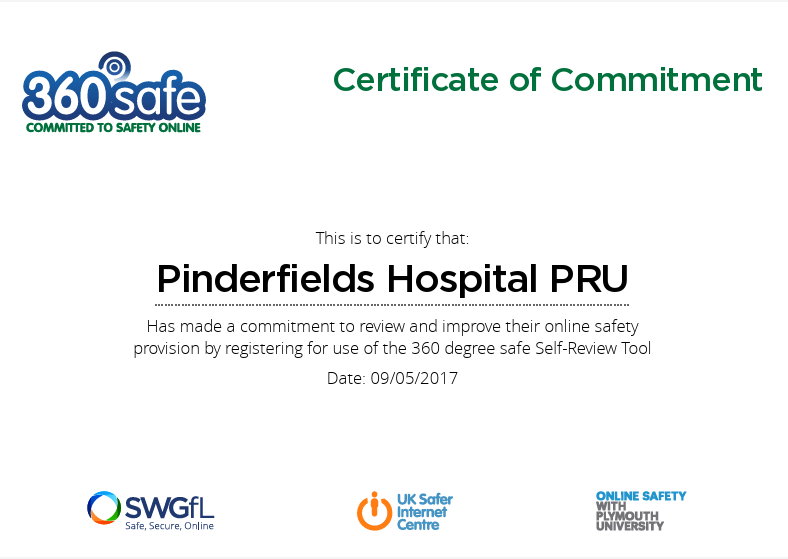
360 Self Review Audit Tool

To support us in our commitment to keeping our school community safe online, we signed up to use the 360 review tool in 2017.